Start with a record, not an assumed replacement
For an office or equipment room in the UAE, write down the existing UPS model and the reason for the enquiry: changed loads, space constraints, a reported fault or a planned equipment refresh. Keep observations separate from a diagnosis. An alarm description alone does not establish whether a battery, the complete UPS or another part of the system needs attention.
Include the model label and existing documentation. If readily available through normal operation, add the displayed load, the connected equipment list and any recorded backup test result with its date and conditions. Do not interrupt powered equipment or open enclosures to collect information.
For the capacity calculation, use our UPS VA, watts and runtime guide. This checklist focuses on the replacement record and the requirements that could be lost when a different unit is proposed.
Put existing details beside the proposed requirements
Use one row for each unresolved requirement. Leave unknown fields visible; a blank is not a compatibility confirmation.
| Record from the existing system | Ask about the proposed equipment |
|---|---|
| Exact UPS model and reason for review | Which requirements changed, and which need further assessment? |
| Equipment list and available load records | What are the proposed VA and watt limits for the reviewed load? |
| Required backup purpose and duration | Which documented runtime applies to this load and battery configuration? |
| Known supply and input connection | Does the specified input match the actual site requirements? |
| Output connections and distribution equipment | Which connections must be retained or reviewed? |
| Available rack or floor space and access | What dimensions, weight and clearance apply to the complete proposed setup? |
| Existing monitoring and shutdown functions | Which documented hardware, software and configuration support the required functions? |
| Interruption constraints and responsible contact | Who will assess the transition and agree the permitted shutdown window? |
Eaton’s network-closet guide discusses physical fit, load information, input requirements and output connections. Its regional socket examples and product options are not specifications for Toyama equipment or UAE installations.
Concept source: Eaton network-closet UPS buying guide, checked 13 October 2026.
Ask what the transition must preserve
List essential equipment separately from equipment that may shut down. State whether the backup is intended to support an orderly shutdown or continued operation, and what interruption is acceptable. Ask the responsible professional to assess the changeover; this article provides no switching, bypass or battery-replacement procedure.
For managed equipment, describe the monitoring and shutdown functions you already use. A communication port is not evidence that the proposed UPS, software and connected equipment will reproduce those functions. Request the exact documented combination.
Eaton’s edge-computing guide considers shutdown time and connectivity as separate planning questions. Its network cards and management integrations remain Eaton-specific examples.
Concept source: Eaton edge-computing UPS buying guide, checked 13 October 2026.
Turn the record into an equipment enquiry
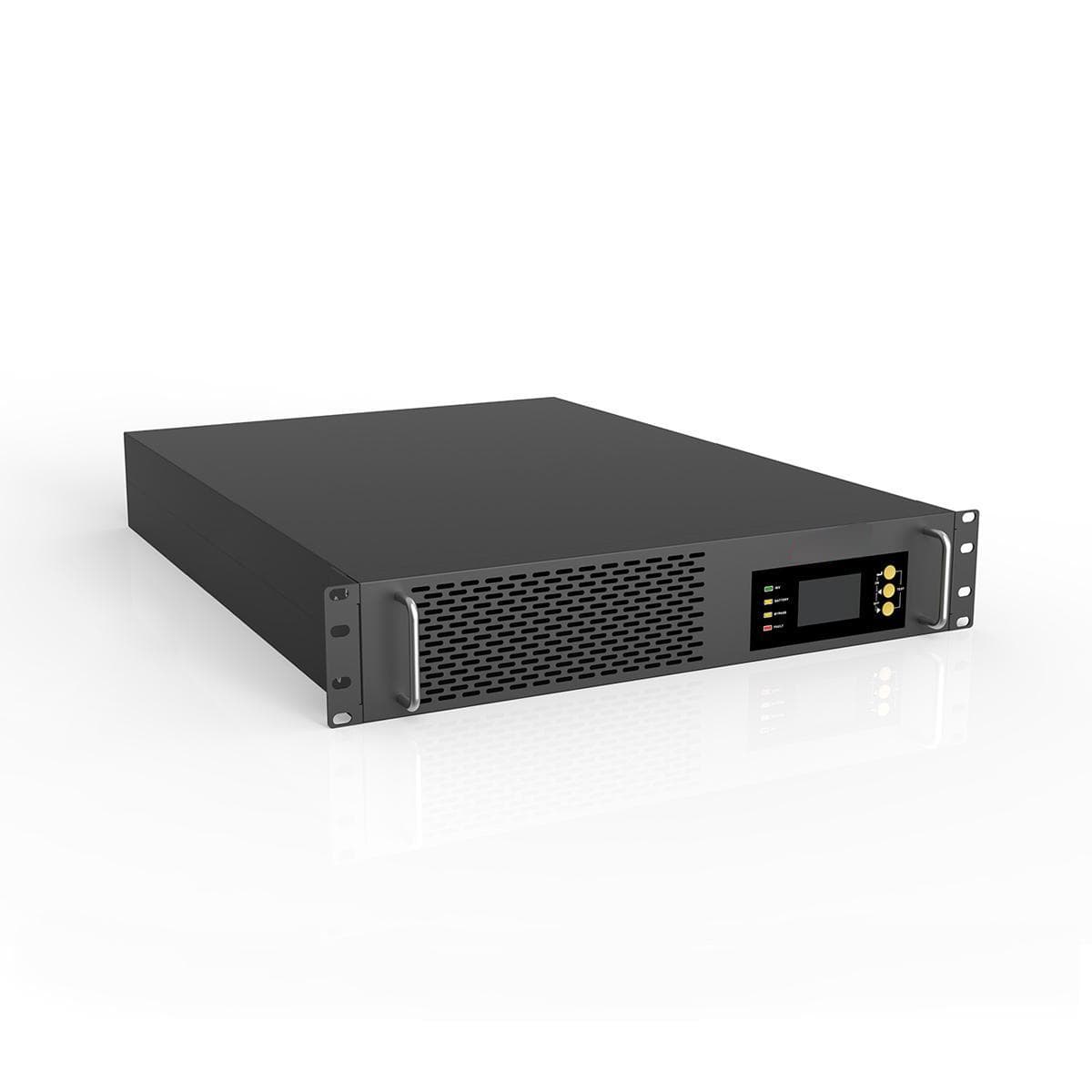
Include the existing model, requirements worksheet and any candidate product-page link. Ask for the current datasheet and identification of unresolved items before choosing equipment. Keep passwords, network credentials and unrelated customer information out of the brief.
Our catalogue includes power UPS, online UPS and modular UPS families. Those category links do not confirm stock, an interchangeable battery, a suitable replacement or a service commitment.
Use the UPS project planner to organize your requirements. Review the editable draft before choosing to copy it or open a contact app.
Prepare your UPS enquiry →