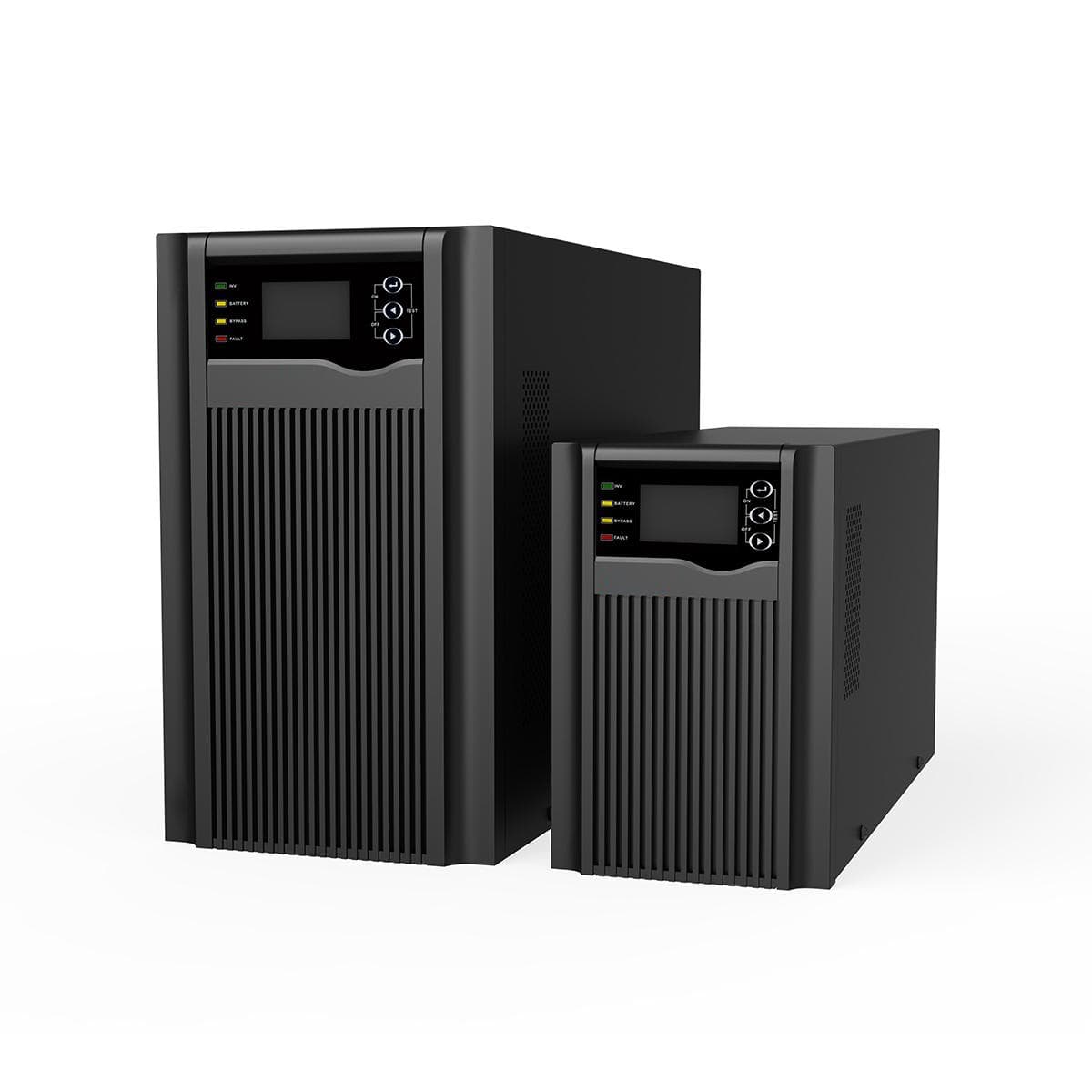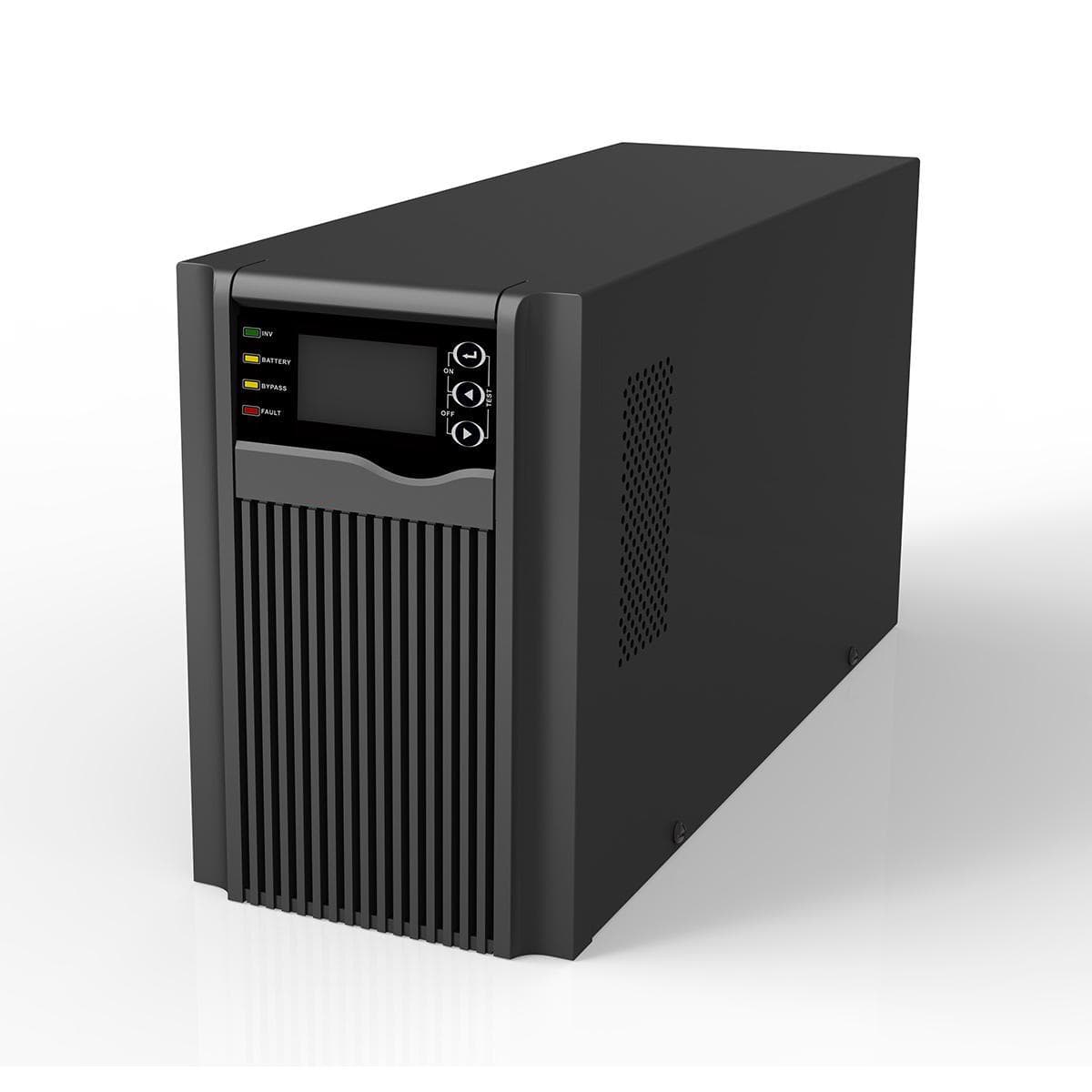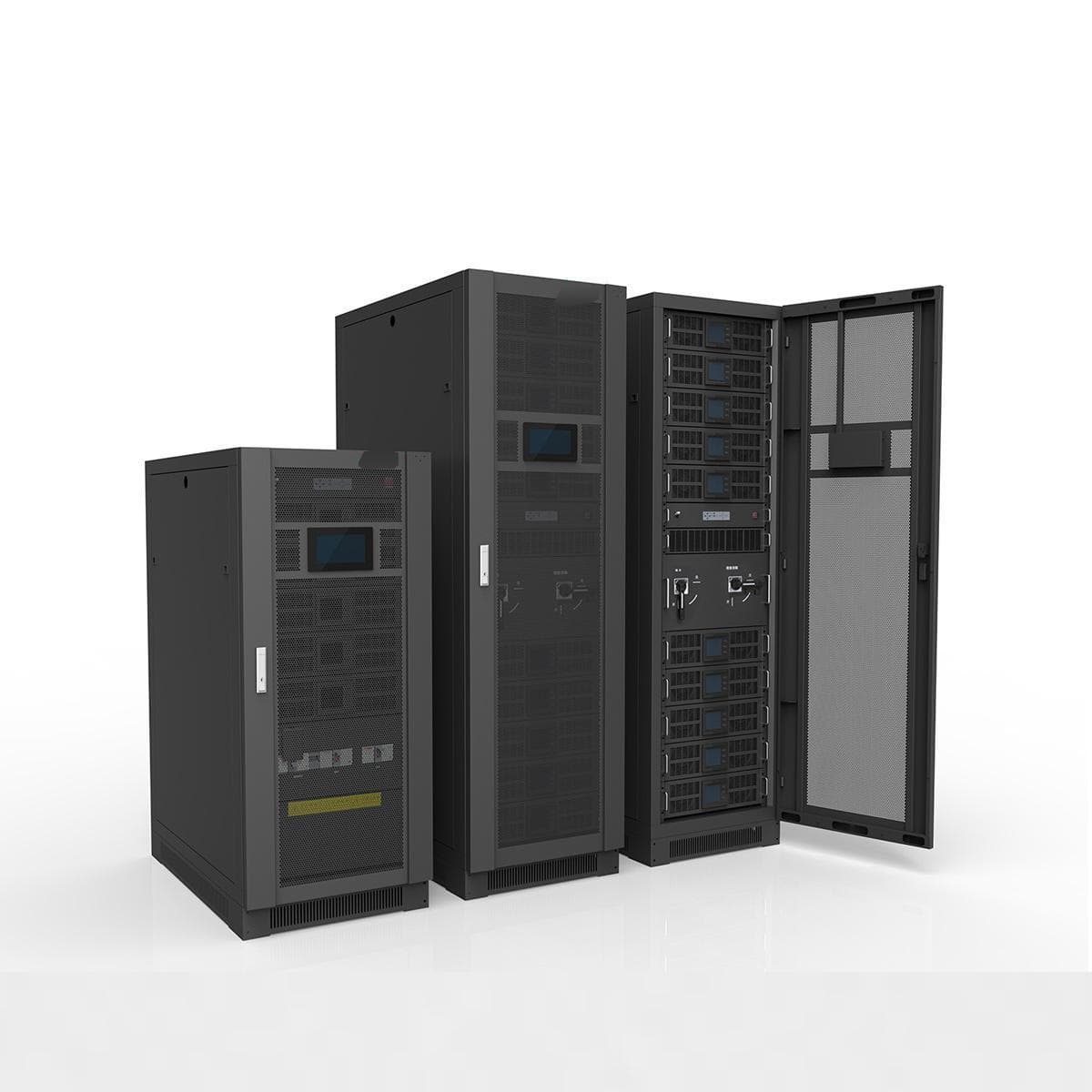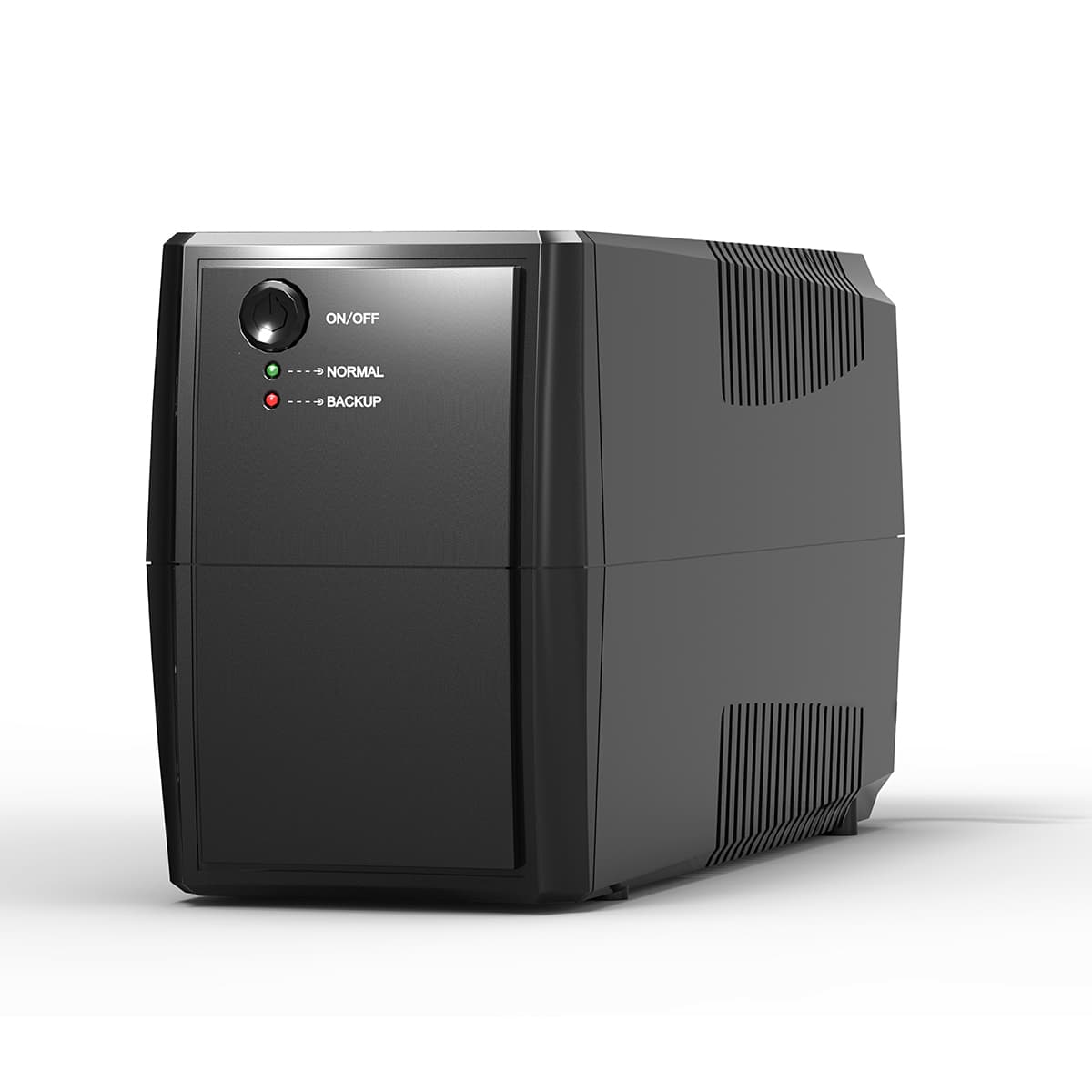
The starting point
A useful UPS enquiry identifies the equipment that must stay on, its electrical requirements and the required backup time. Protecting a single workstation is a different brief from supporting a server rack or a larger critical-load installation. Start with those requirements, then compare the UPS topology, ratings and physical format.
What to compare before choosing.
Check both W and VA
UPS specifications can list real power in watts and apparent power in volt-amperes. Both limits matter. Compare the connected equipment's requirements with the exact UPS ratings instead of choosing from the VA figure alone.
Runtime needs a defined load
A UPS power rating does not promise a specific number of backup minutes. Battery configuration and load affect runtime. Ask for runtime information at your intended load and confirm whether external battery options are supported by the exact model.
Consider operation and maintenance
Compare rack or tower format, supply phase, input/output connections and available bypass or modular features. Review the actual product documentation for those features. A future expansion plan should be checked against model-specific limits rather than inferred from a product family name.
Compare the transition, not just the UPS label.
Transfer-time figures describe particular operating changes. A zero-time battery transition does not establish the same behavior during bypass. These catalogue examples show why the exact model and mode matter.
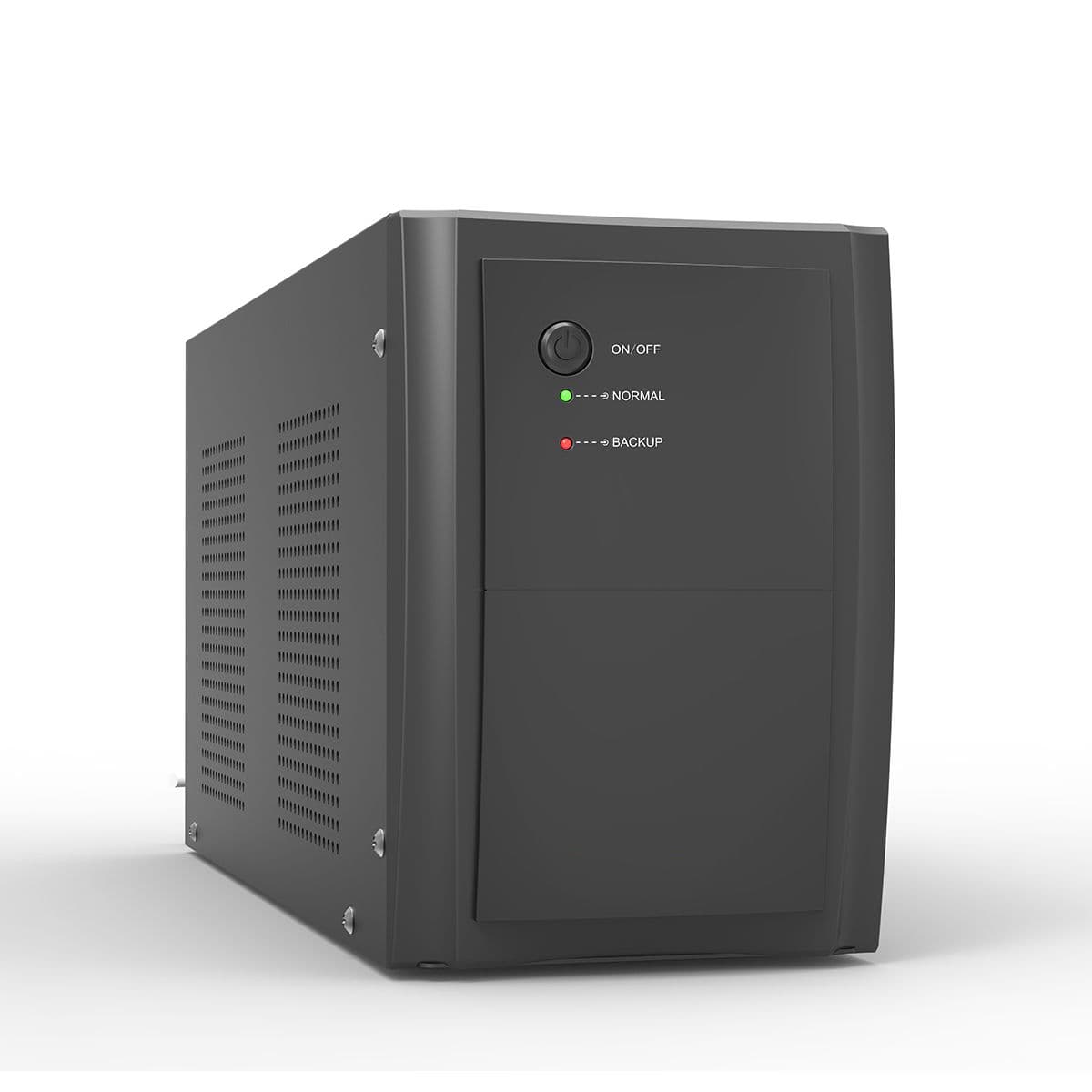
Line Interactive UPS EW2110 (650-2000VA)
- Input Voltage
- 110V/120 VAC or 220/230/240 VAC
- Output Wave form
- PWM (Batt. mode)
- Transfer time
- Typical 2-6ms,10ms max
Confirm the required voltage variant and whether the connected devices tolerate the published transfer time and battery-mode waveform.
See this series and its model specifications · Manufacturer table
Rack-mount Online UPS EH5500 (3kW)
- AC mode switch to battery mode
- 0ms
- mains inverter mode switch to bypass mode
- 4ms
- Battery Spec
- 6*12V/9Ah / External batteries required
Check battery transfer and bypass separately. Confirm the H3KR or H3KRS variant, its battery arrangement and runtime at your actual load.
See this series and its model specifications · Manufacturer table
For your enquiry, include the permitted interruption, normal operating mode, supply requirements and backup duration. Ask for the exact battery configuration and a runtime curve at the proposed load; the figures above do not prove suitability or backup minutes.
Prepare your UPS project brief · Sources reviewed 10 October 2026. Figures apply to the listed examples, not every UPS in a category.
Find the right family to explore.
Use these categories to compare model specifications. They are not a pre-configured or verified compatible equipment package.
Before you shortlist.
What is the difference between online and modular UPS?+
Online describes a power-conversion topology. Modular describes a construction that can use separate power modules. They are not mutually exclusive categories; compare the topology and architecture of the specific model.
Can I use a portable power station instead of a UPS?+
Do not assume they are interchangeable. Transfer behavior, continuous operation and the connected equipment's requirements must be checked. For critical loads, discuss those requirements and the exact product specifications with the team.
Understand the ratings before you shortlist.
Use these explanations to compare specifications and prepare the questions for your equipment enquiry.
Further reading: Schneider Electric: UPS families and applications. External references explain general concepts; they do not establish compatibility or affiliation with Toyama.