Start with the exact units
Before choosing equipment for a UAE solar or backup project, ask for the supported combination of battery and inverter model codes, hardware revisions and firmware. A battery management system (BMS) is not identified fully by the communication port label.
Give both model codes rather than only the battery family or inverter power. Include the current datasheets and firmware versions if known; mark unknown details as questions. Keep the electrical review separate: operating voltage range, charging and discharge limits still need checking. Our battery Ah, kWh and inverter compatibility guide covers those capacity and power questions.
This article concerns the evidence to include in an enquiry. It provides no wiring instructions, settings or certification of a product pairing.
What should the communication confirmation include?
| Question to resolve | Documentation to request | What remains unanswered |
|---|---|---|
| Which exact units are supported? | Battery and inverter model and hardware-revision references | Whether a family-level statement applies to the supplied units |
| Which interface and protocol are intended? | Supported protocol and named communication ports | Whether matching CAN or RS485 labels describe the same integration |
| Which firmware combination is covered? | Applicable version requirements and source date | Whether a claim applies to the proposed firmware |
| Which connection is documented? | Manufacturer-approved cable and connection reference | Whether the proposed cable belongs to that exact integration |
| What does the integration control? | Documented monitored values, charge/discharge-limit behaviour and communication-loss response | Whether it displays information or also controls the relevant functions |
| Who checks the complete configuration? | Written configuration review by the responsible supplier or system designer | Who resolves missing requirements before ordering |
Request the manufacturer’s documented connection reference; do not infer a cable arrangement from the connector’s appearance. Leave setup and commissioning to the responsible qualified professional.
Two catalogue examples, not a tested pair
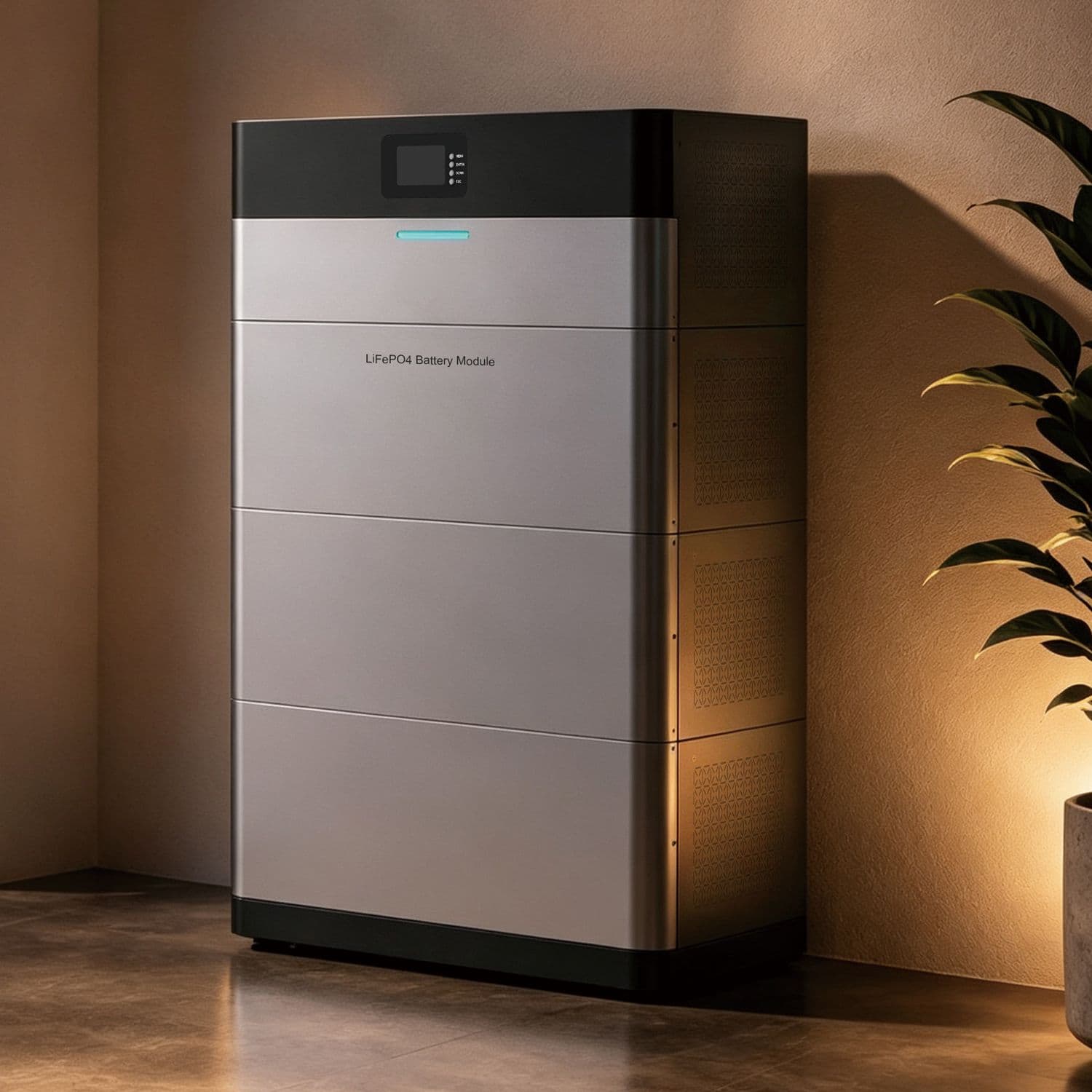
The EP3000 PLUS catalogue page lists a CAN BMS port. Its series includes different nominal battery-voltage options. The port statement does not identify a tested MP3000 pairing in that summary.
The MP3000 catalogue page lists communication interfaces and general low-voltage inverter compatibility. That helps start a documentation enquiry, but the summary does not establish the exact EP3000 PLUS model, protocol and firmware combination.
Primary sources checked 12 October 2026: EP3000 PLUS manufacturer page and MP3000 manufacturer page.
These are separate documentation examples, not a recommendation to combine the products. Confirm the current documentation for the units actually supplied.
Why ask about control behaviour and firmware?
In its own Ekrano GX DVCC documentation, Victron separates supported battery integration and firmware requirements, and describes battery-requested charge-voltage, charge-current and discharge-current limits. This illustrates why an interface label is less informative than the integration’s documented functions.
Those are Victron-specific requirements. They are not settings, firmware requirements or compatibility approval for MUST products in Toyama’s catalogue. Ask the relevant manufacturer what applies to the proposed system.
Concept reference: Victron Ekrano GX DVCC manual, sections 12.2 and 12.5. It describes that manufacturer’s architecture.
Prepare a useful enquiry
- Battery and inverter model codes, product-page links and supplied hardware revisions if known.
- Existing or proposed firmware and the current documentation you have.
- The intended role: solar storage, backup or off-grid operation.
- Equipment running together, operating requirements and any planned expansion.
- Which communication requirements are confirmed and which remain pending.
If no exact integration record is available, keep compatibility unconfirmed. Ask for a documented alternative or further verification rather than treating a generic interface description as an ordering decision.
Use the solar and storage project planner to organize the details. Review the editable draft and mark unknowns clearly before choosing to copy it or open your contact app.
Browse low-voltage battery models and power inverter models as separate equipment families. These catalogue links do not establish a compatible package or current availability.
Prepare your equipment enquiry →